
MeshCentral: Self-Hosted Remote Management
MeshCentral: Self-Hosted Remote Management
MeshCentral is a powerful, open-source remote management platform that allows you to control and monitor devices across your network or over the internet. It serves as a privacy-focused alternative to commercial tools like TeamViewer, AnyDesk, or LogMeIn.
Visual Overview
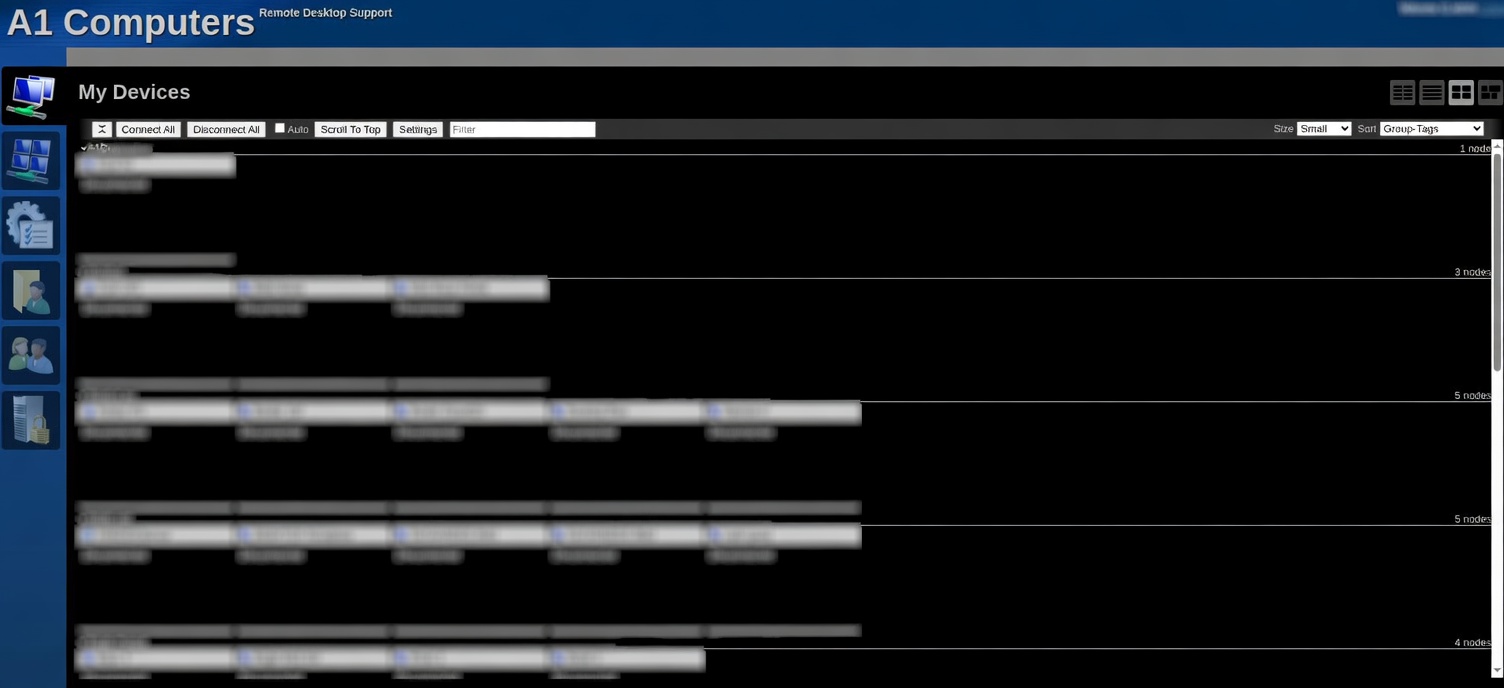
My Devices
Central view showing all your connected and disconnected agents.
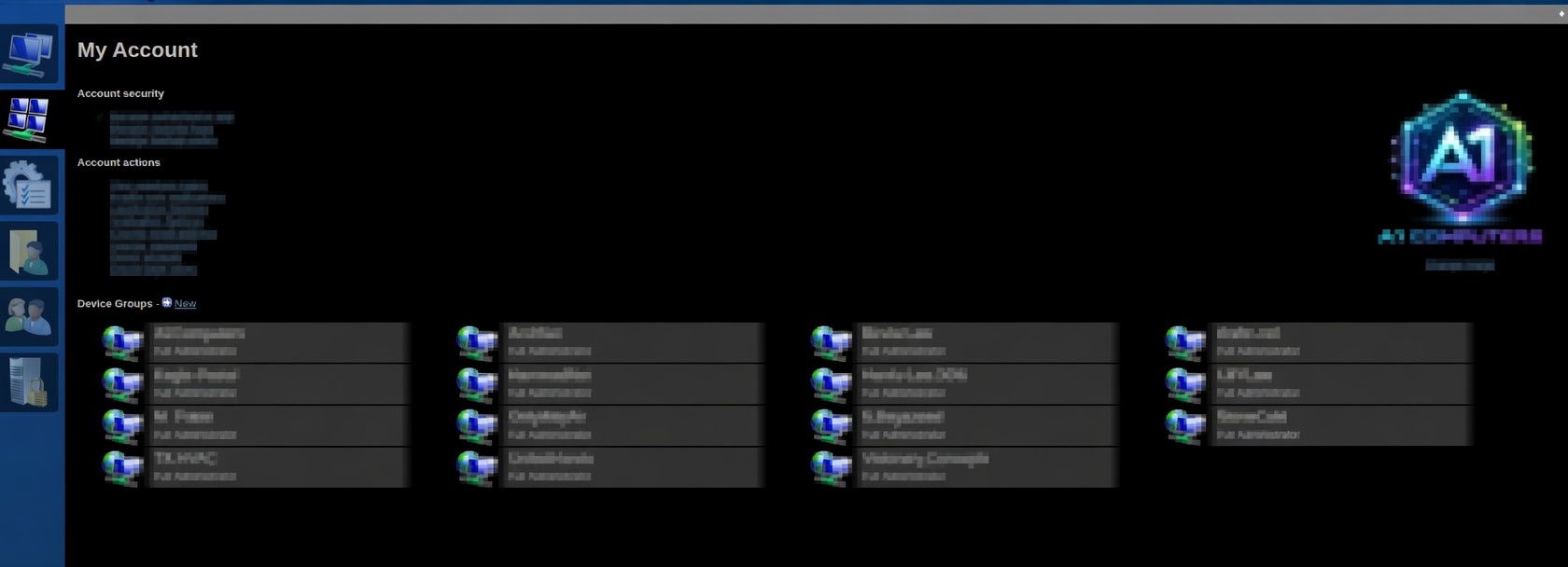
Device Groups
Organize devices into groups for easier management and access control.
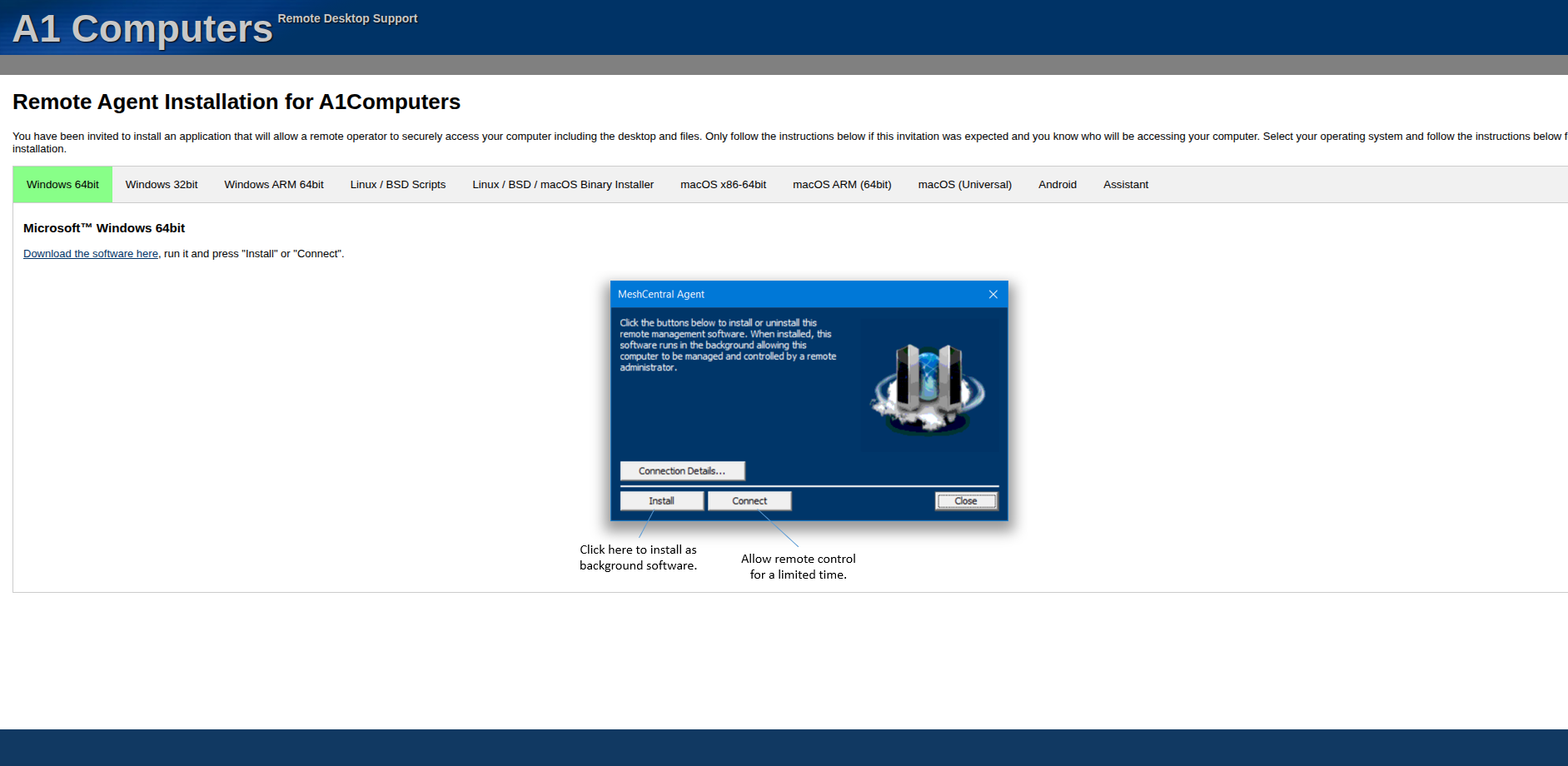
Agent Download
Generate and download Mesh Agents directly from the web interface.
In 2026, many self-hosters, MSPs, and IT professionals are turning to MeshCentral for its flexibility, security, and lack of subscription costs.
Benefits of MeshCentral
Full Data Ownership
Free & Open Source
Wide Device Support
Common Use Cases
Homelab & Personal Use
Managed Service Providers (MSPs)
IT Departments & Schools
Remote Support
Key Components: Mesh Agents & Mesh Router
Lightweight Clients
Connection Broker
Basic Installation
MeshCentral can be installed on a Linux server (Ubuntu/Debian recommended) using Docker or directly via Node.js. Docker is the simplest method for most users.
# Create a directory for MeshCentral
mkdir ~/meshcentral
cd ~/meshcentral

# Run MeshCentral using Docker
docker run -d \
  --name meshcentral \
  -p 443:443 \
  -p 80:80 \
  -v ~/meshcentral/data:/opt/meshcentral/meshcentral-data \
  -v ~/meshcentral/files:/opt/meshcentral/meshcentral-files \
  ghcr.io/ylianst/meshcentral
After starting the container, access the web interface at `https://your-server-ip` and create your admin account on first login.
Once logged in, you can generate Mesh Agent installers for different operating systems directly from the web interface.
Questions for the Community
Are you using MeshCentral?
Installation Method
Mesh Router
Disclaimer
This content is for educational and informational purposes only. It is not technical advice. Always review security settings carefully when exposing remote management tools to the internet.
DISCUSSION
No replies yet. Be the first to join the discussion!